• Home
  • Find Freelancers
  • Search Projects
  • Browse Services
  • How It Works
  • Blog
    • Freelancing Tips & Growth
    • Hiring & Remote Work Insights
    • Marketplace & Digital Economy Trends
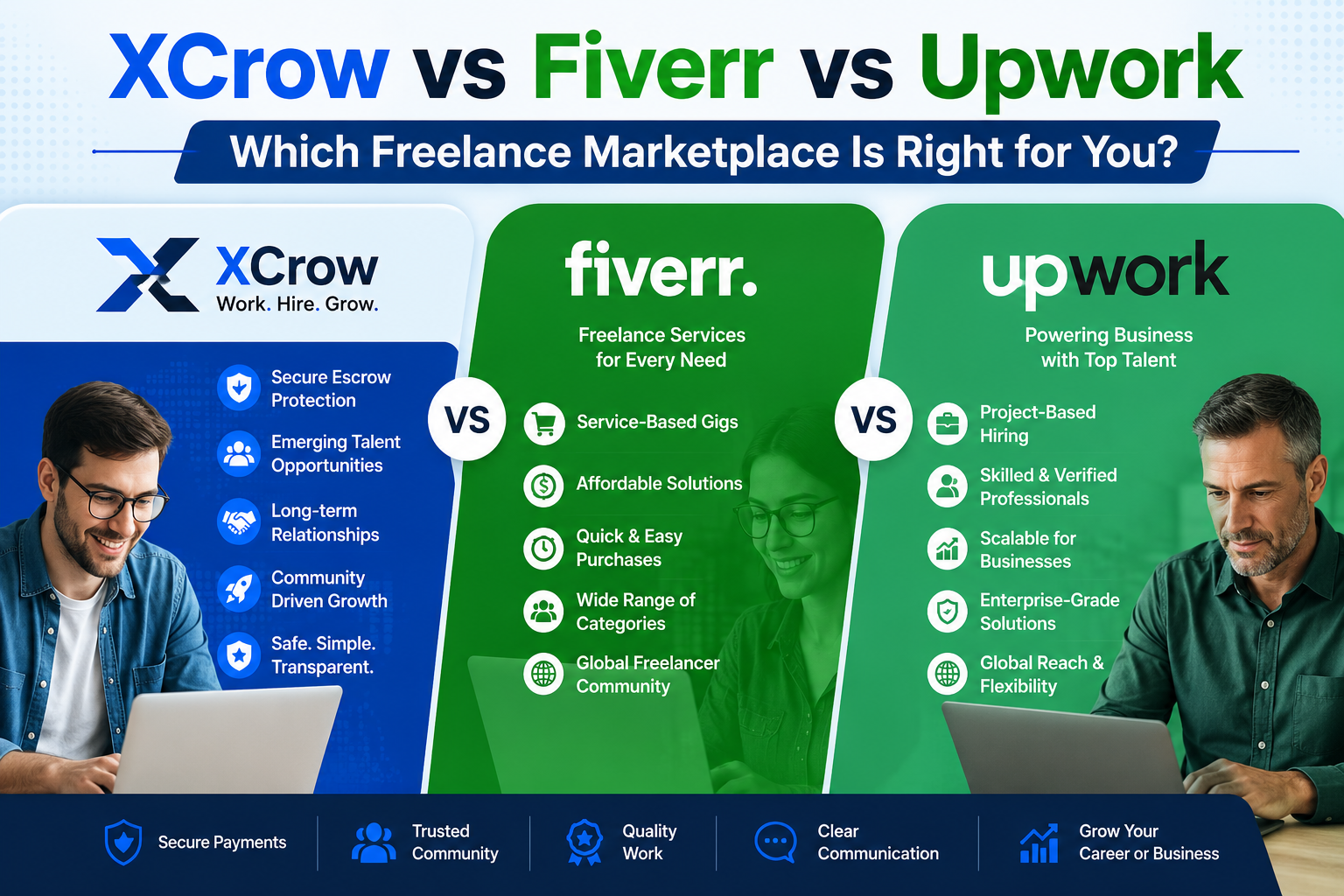
What Makes XCrow Different From Fiverr and Upwork?
  • Freelancing Tips & Growth

What Makes XCrow Different From Fiverr and Upwork?

0 Comments June 24, 2026

If you have spent any time in the freelance world, you already know the big names. Fiverr and Upwork have dominated the conversation for years, and for good reason. They are large, they are established, and they have helped millions of freelancers and clients connect across borders. But size comes with…

Recent Posts

  • 50 Costly Freelancing Mistakes That Make Clients Stop Hiring You and How to Fix Every One
  • The Hidden Costs of Hiring Cheap Freelancers and How to Avoid Expensive Mistakes.
  • How AI Is Changing Online Marketplace Fraud
  • How to Evaluate Freelancers Beyond Star Ratings | Xcrow
  • How Xcrow Handles Conflicts Between Buyers and Sellers: Xcrow’s Mediation and Resolution Process Explained
Xcrow.co - AI Powered Freelance Marketplace.

We offer the best features for freelancers & clients, making it easy to connect, collaborate, & get work done. On Xcrow, funds are held safely until work is approved. Our talents are matched by AI, based on skills & budget. Xcrow is built for ONLY SERIOUS Freelancers & Employers.

Legal Pages
  • Privacy Policy
  • Terms of service
  • Cookie Policy
  • Fact-Checking Policy
  • Editorial Policy
  • Corrections & Updates Policy
  • Refund Policy
  • Advertising & Affiliate Disclosure
Feel Free To Share Your Question
  • Call: +234 806 708 3444 (Mon to Sun 9am - 11pm)
  • support@xcrow.co
  • Whatsapp: +234 807 7422937 (Mon to Sun 9am - 6pm)
  • Home
  • Blog
  • About Us
  • Contact Us
  • Site Map
  • How Xcrow.co Works
Copyright ©2026 Xcrow.co - AI Powered Freelance Marketplace.

Add credit to your wallet

Add funds now
* You will be redirected to the checkout page to add your billing details.

Add new FAQ

Click “Save & Update” to update your faq Save & Update

Reject task approval request

Send